Loading...
Employee Activity Monitoring Software
Desktop Activity Monitor with Intelligent Insights
Track application usage, detect real idle time with multi-signal detection, and categorize productivity by role. 8,000+ pre-classified apps and visual daily timelines for every employee.
Application Tracking with Productivity Scoring
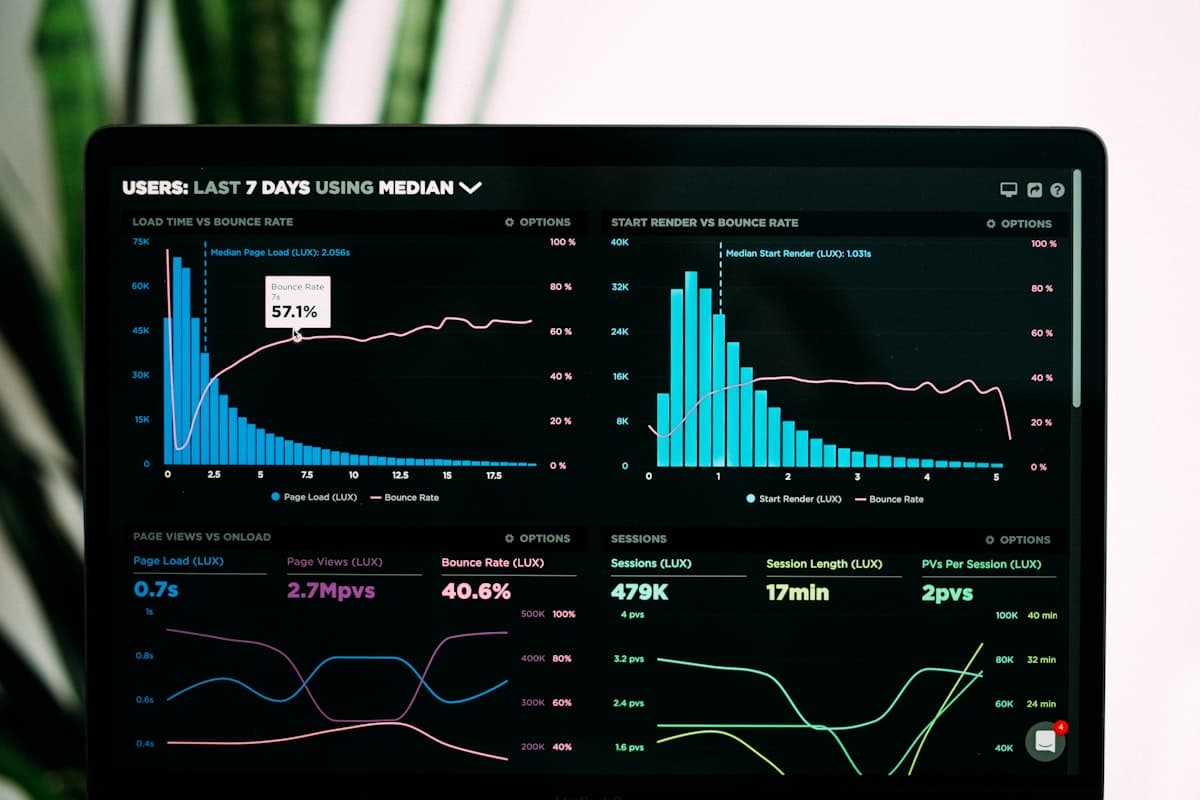
TrackNexus monitors every application an employee uses throughout the day and assigns a productivity score based on your custom categorization. Visual Studio Code might be productive for developers, while Instagram is unproductive for everyone. The system learns from your categorization over time and suggests classifications for new applications automatically. Managers see a real-time productivity score for each team member calculated from the ratio of productive to unproductive application time. Teams using productivity scoring see an average 19% increase in focused work time within the first month because simply making activity visible changes behavior.
Intelligent Idle Detection
Knowing when an employee steps away from their desk is important for accurate time tracking, but traditional idle detection based on simple mouse movement timers creates too many false positives. TrackNexus uses multi-signal idle detection that considers keyboard activity, mouse movement, application state changes, and even calendar entries for scheduled meetings. If someone is in a video call and not typing, the system recognizes this as active work, not idle time. The configurable idle threshold lets you set different sensitivity levels for different roles. A developer reading documentation might be idle on inputs but actively working.
Productivity Categorization Engine
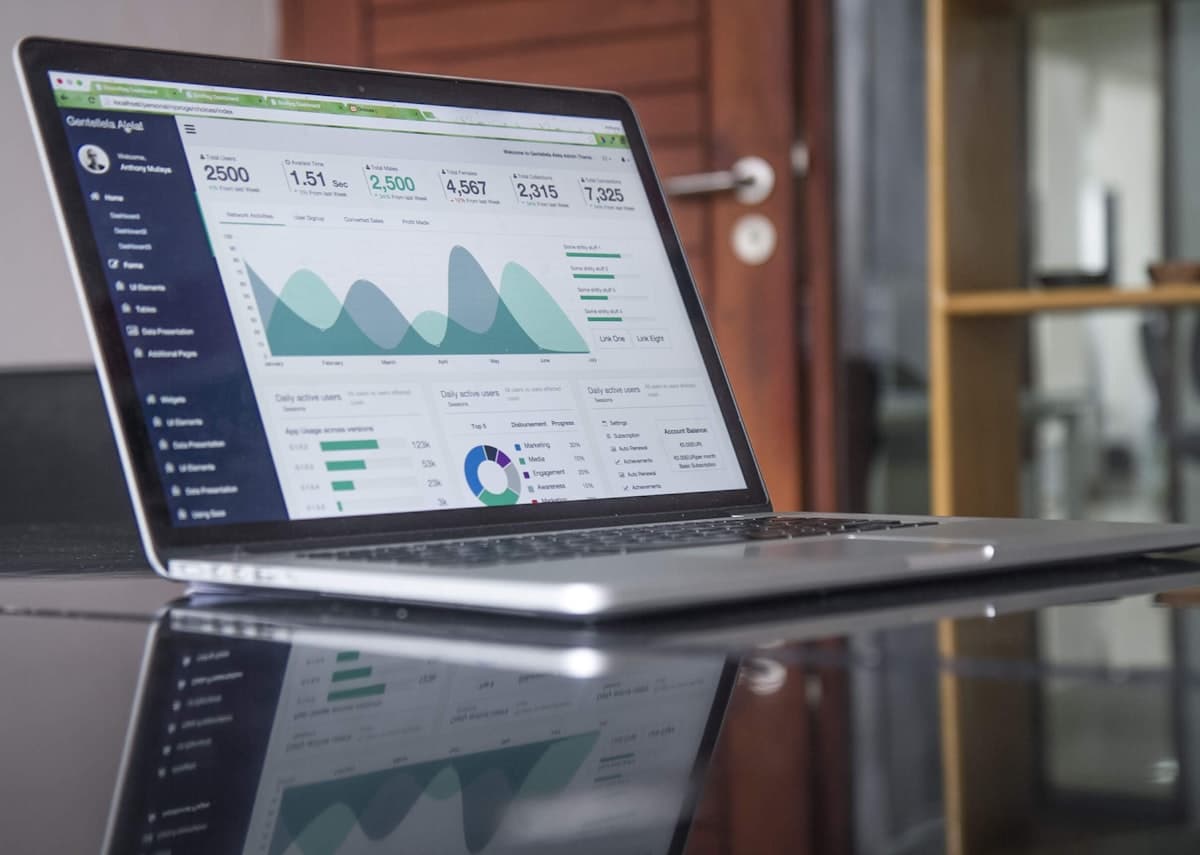
Not all applications fit neatly into productive or unproductive buckets. Slack might be essential for a project manager but a distraction for a developer in deep focus mode. TrackNexus lets you create role-based categorization rules where the same application can have different productivity weights for different teams. The categorization engine includes over 8,000 pre-classified applications out of the box and learns from your custom overrides. You can also create time-based rules where social media is unproductive during core hours but neutral during lunch breaks. This granular approach prevents the blunt-instrument problem of traditional monitoring.
Daily Activity Timelines
Every employee gets a visual timeline of their workday showing application usage, active and idle periods, meetings, and breaks in a color-coded horizontal bar. Managers can review timelines at a glance to understand how time is spent without reading through pages of logs. The timeline view supports drill-down: click on any segment to see the specific application, window title, and duration. Comparing timelines across team members reveals workflow differences between high performers and those who struggle. HR teams use anonymized aggregate timelines to design better work policies around breaks, meeting schedules, and focus time blocks.
Why Teams Choose TrackNexus for Desktop Monitoring
From smart idle detection to role-based categorization, activity monitoring that actually makes sense
Full Desktop Visibility
Track every application window, tab switch, and session duration across Windows, macOS, and Linux. See exactly how work time is distributed across tools.
Smart Idle Recognition
Multi-signal detection distinguishes real idle time from activities like reading or video calls. Reduces false idle alerts by 74% compared to mouse-only detection.
Role-Based App Categories
The same application can be productive for one role and distracting for another. Set different rules per team so categorization reflects actual job requirements.
Visual Activity Timelines
Color-coded daily timelines show work patterns at a glance. Click any segment to see application details, duration, and context without reading through log files.
19% Productivity Increase
Teams using desktop activity monitoring see measurable productivity gains within 30 days. Visibility alone changes behavior before any management intervention.
Configurable Monitoring Levels
Choose from light monitoring with app names only, to detailed tracking with window titles. Each team can have different monitoring intensity based on their needs.
19%
Avg Productivity Increase
8,000+
Pre-Classified Applications
74%
Fewer False Idle Alerts
< 30sec
Data Refresh Interval
FAQ
Frequently Asked Questions
Ready to understand how your team really works?
See application usage patterns and productivity scores across your entire organization. Start your free trial today.