Loading...
Real-Time Tracking
Activity Dashboard Updated Every 15 Seconds
Live activity feeds, team status boards, and smart idle detection give managers a real-time view of their workforce. Know who is working, who is idle, and who needs support right now.
Live Activity Feed
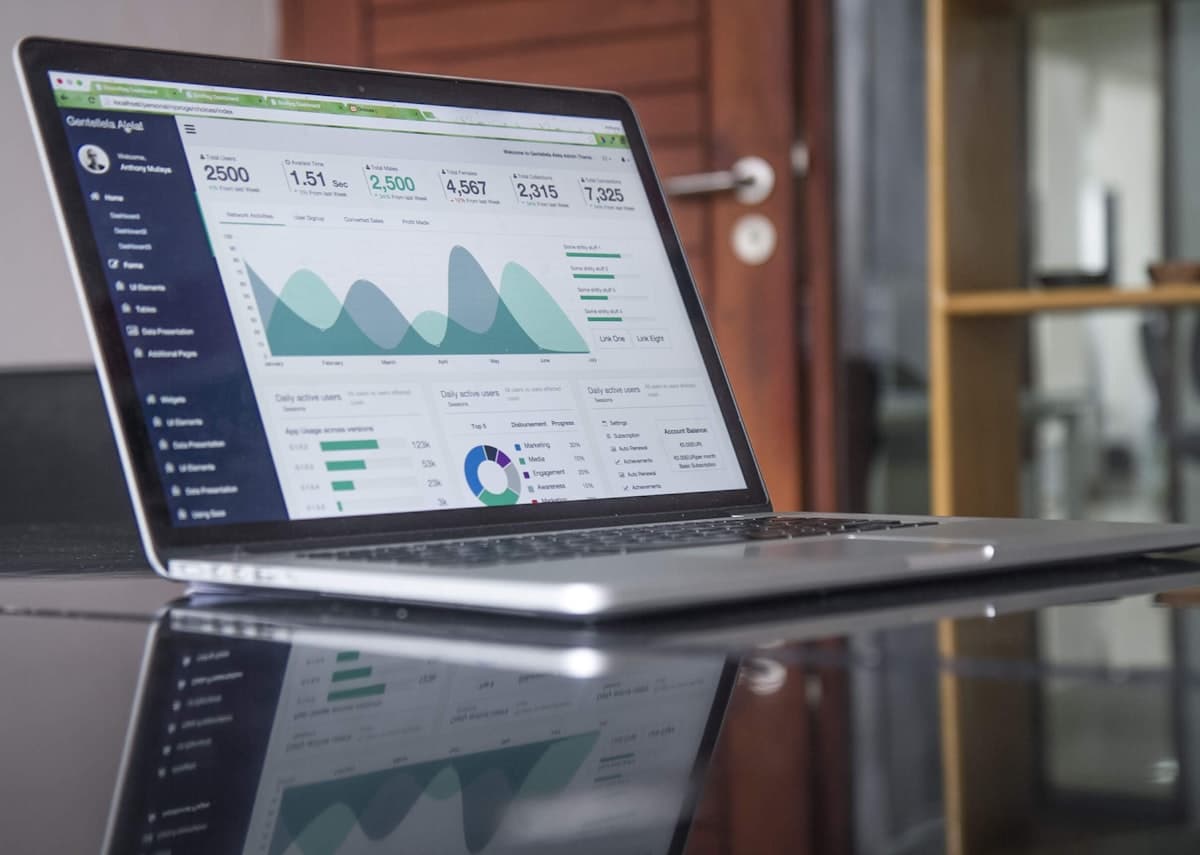
See what your entire team is doing right now, not what they did yesterday. The live activity feed streams real-time updates showing which applications each employee is using, how long they have been active, and when they last switched tasks. The feed refreshes every 15 seconds and uses color-coded status indicators: green for active work, yellow for idle under 5 minutes, orange for extended idle, and red for offline. Operations managers and team leads use this feed during crunch periods to identify bottlenecks, reallocate resources, and ensure critical tasks are progressing on schedule.

Team Status Overview
The team status board condenses your entire workforce into a single screen. Tiles show each employee's current status: working, in a meeting, on break, idle, or offline. Click any tile to see their current application, active project, and time since last activity. Managers running distributed teams across multiple time zones use this view as their morning check: one glance tells them who has started their day, who is still offline, and who might need a follow-up. The board supports grouping by department, project, or custom tags for quick filtering.
Active and Idle Detection Engine
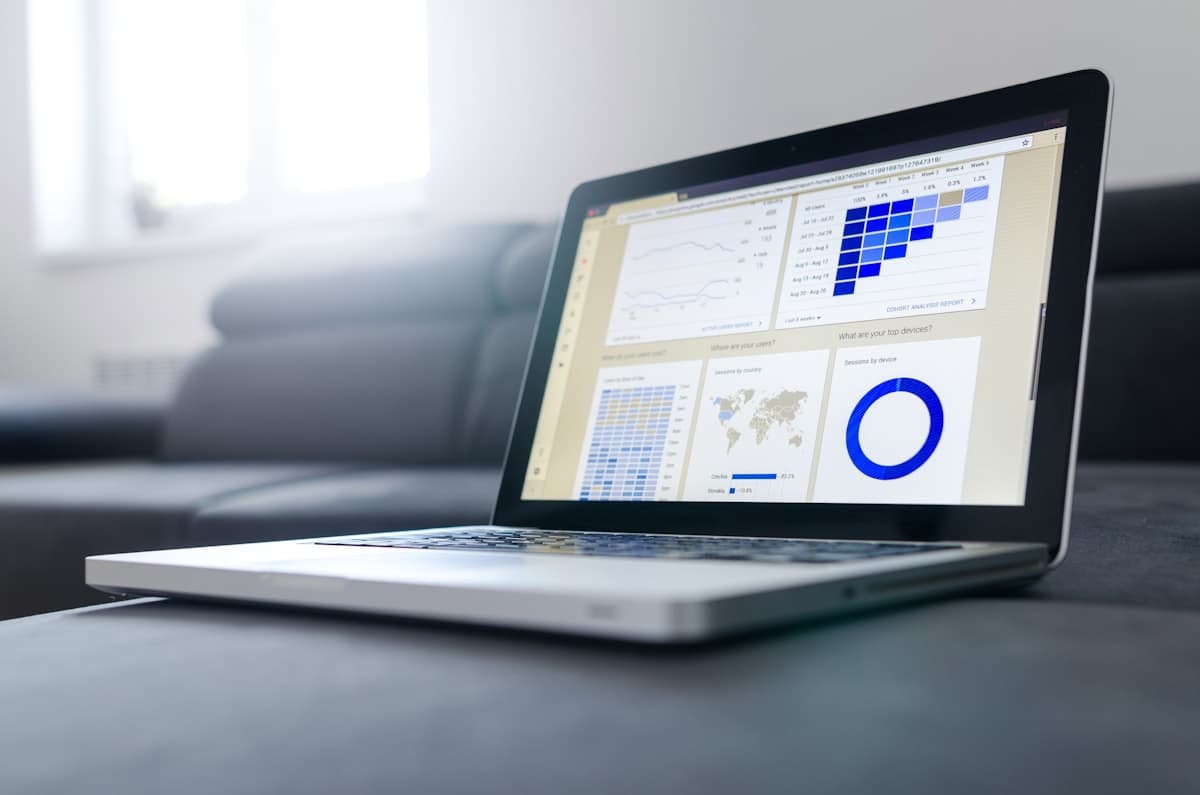
TrackNexus classifies every second of the workday as active or idle based on keyboard, mouse, and application interaction signals. The idle threshold is configurable: 3 minutes for call center agents, 10 minutes for developers who think before they type. The system distinguishes between genuine idle time and activities like reading documentation or watching training videos where input is minimal but work is happening. Machine learning adapts to individual work patterns over 2 weeks, reducing false idle detections by 84% compared to simple input-based timers.

Instant Notifications and Escalations
Configure alerts for events that need immediate attention: an employee has been idle for over 30 minutes, a critical project has zero active workers, or team availability drops below your minimum threshold. Notifications arrive via Slack, Microsoft Teams, email, or in-app push notifications within seconds of the trigger event. Escalation chains ensure that if a team lead does not acknowledge an alert within 15 minutes, it routes to the department head. During a recent product launch, one customer's operations team used these alerts to maintain 100% coverage across a 72-hour deployment window.
Why Operations Teams Rely on TrackNexus Real-Time Dashboards
Instant visibility into your workforce with intelligent idle detection and automated escalations
15-Second Refresh Rate
Activity data updates every 15 seconds, giving you a near-real-time view of your workforce. Make decisions based on what is happening now, not what happened an hour ago.
Always-On Connectivity
The agent maintains a persistent connection for instant status updates. Even if an employee's network drops, their last known status displays with an offline timestamp.
Multi-Team Monitoring
Monitor multiple teams on a single screen with customizable groupings. Filter by department, project, or shift to see exactly the people you manage.
Cross-Device Tracking
Track activity on desktops, laptops, and mobile devices. The dashboard unifies all device sessions into a single employee status for accurate presence detection.
Smart Idle Classification
Machine learning distinguishes between true idle time and low-input work like reading or design review. Reduces false idle alerts by 84% after a 2-week learning period.
Instant Alert Delivery
Critical notifications reach managers within seconds via Slack, Teams, or push notification. Escalation chains ensure no alert goes unacknowledged for more than 15 minutes.
15sec
Dashboard Refresh Rate
84%
Fewer False Idle Alerts
100%
Device Coverage
< 3sec
Alert Delivery Time
When Real-Time Visibility Is Genuinely Worth Having
A live activity dashboard is one of the most useful features in workforce software and one of the most frequently misused. The difference comes down to a single question: does seeing this information *now* change a decision you can act on *now*?
For a handful of roles the answer is clearly yes:
- Support and contact centre supervisors rebalancing queues during a volume spike, where a twenty-minute delay means abandoned calls and a missed SLA
- Field dispatchers routing the nearest available technician to an urgent job
- BPO floor managers holding to a contractual staffing commitment that is measured in real time and penalised when missed
- Shift leads in operations covering an unplanned absence before the gap affects throughput
- On-call and incident coordinators confirming who is actually available right now
What these have in common is a decision with a short expiry. The information is operational, the action is immediate, and a next-day report would be useless.
For most other management roles — engineering leads, marketing managers, finance — the honest answer is no. Nothing they will do differs based on whether a team member is typing at 11:42. For those roles a weekly aggregate is more useful and considerably less harmful.
The Failure Mode: Dashboard Watching
This is worth naming directly, because it is the most common way organisations lose value from real-time tracking, and it is entirely self-inflicted.
A manager with no operational need discovers the live view and starts watching it. Within a fortnight two things happen. The manager's attention shifts from what the team produced to whether the team looked busy. And the team, who are not stupid, work out they are being watched in real time and begin optimising for the indicator — keeping a document in focus, avoiding the reading and thinking that registers as idle, timing breaks around the dashboard rather than around the work.
The tool ends up measuring the performance of work rather than work. The data degrades precisely as reliance on it increases, which is the worst possible combination.
The practical safeguard is access control rather than policy: restrict live views to roles with a documented operational reason for them. Everyone else gets aggregates. This is a configuration decision made once, and it is far more effective than asking managers not to watch a dashboard they can see. The broader principle is covered in our guide to productivity trackers.
Idle Detection and Why the Threshold Matters So Much
Every real-time dashboard has to decide when someone stops counting as active, and that threshold quietly determines whether the whole display is fair or misleading.
Set it too short — three minutes is common and usually wrong for knowledge work — and you mark people idle for reading a specification, thinking through a problem, or being on a call on another device. Set it too long and an unattended machine reads as a full working day, which defeats the purpose entirely.
There is no universally correct value, which is why a single global threshold is a poor design. Sensible starting points differ sharply by role:
- Contact centre and transactional work — short thresholds are appropriate because the work genuinely is continuous input
- Engineering, design and analysis — considerably longer, because sustained thinking is the job and penalising it produces exactly the wrong behaviour
- Client-facing and advisory roles — longest, since much of the work happens in meetings and on calls that generate no device input at all
Track Nexus supports per-team idle thresholds and treats calendar occupancy as active rather than idle, which removes the most common source of unfair readings. Combining input signals with application and website context produces a more defensible boundary than input alone.
Alerts Instead of Watching
The most useful inversion in this category is to stop expecting anyone to watch a screen. A busy supervisor will not, and a supervisor who does has stopped doing their actual job.
Exception-based alerting delivers the operational value of real-time data without the surveillance dynamic, because the system watches and a human is interrupted only when something needs a decision:
- Coverage below threshold — a queue or shift dropping under its committed staffing level
- Scheduled start missed — nobody clocked in for a shift that should be running, surfaced within minutes rather than at end of day
- Sustained idle during committed coverage — genuinely useful when a contractual staffing obligation exists, and not otherwise
- Geofence exceptions — a field team member clocked in from outside the expected site boundary
- Overtime approaching — the point at which a scheduling decision is still possible, rather than a payroll surprise later
Each of these maps to an action. That is the test any alert should pass before it is enabled — an alert nobody acts on is noise that trains people to ignore the ones that matter. For a shared operational display rather than individual dashboards, office TV dashboards put the same data on a wall where the whole team sees the same picture, and productivity analytics covers the retrospective view where most of the analytical value actually sits.
FAQ
Frequently Asked Questions
Ready to see your team in real time?
Get instant visibility into who is working and who needs help. Start your free 14-day trial with live dashboards.