Loading...
Mobile Timesheet App
Mobile Time Tracking for Field Teams and Remote Workers
Native iOS and Android app with GPS stamps, offline mode, and one-tap clock-in. Built for construction crews, delivery teams, and anyone who works away from a desk.
Native iOS and Android Time Tracking App
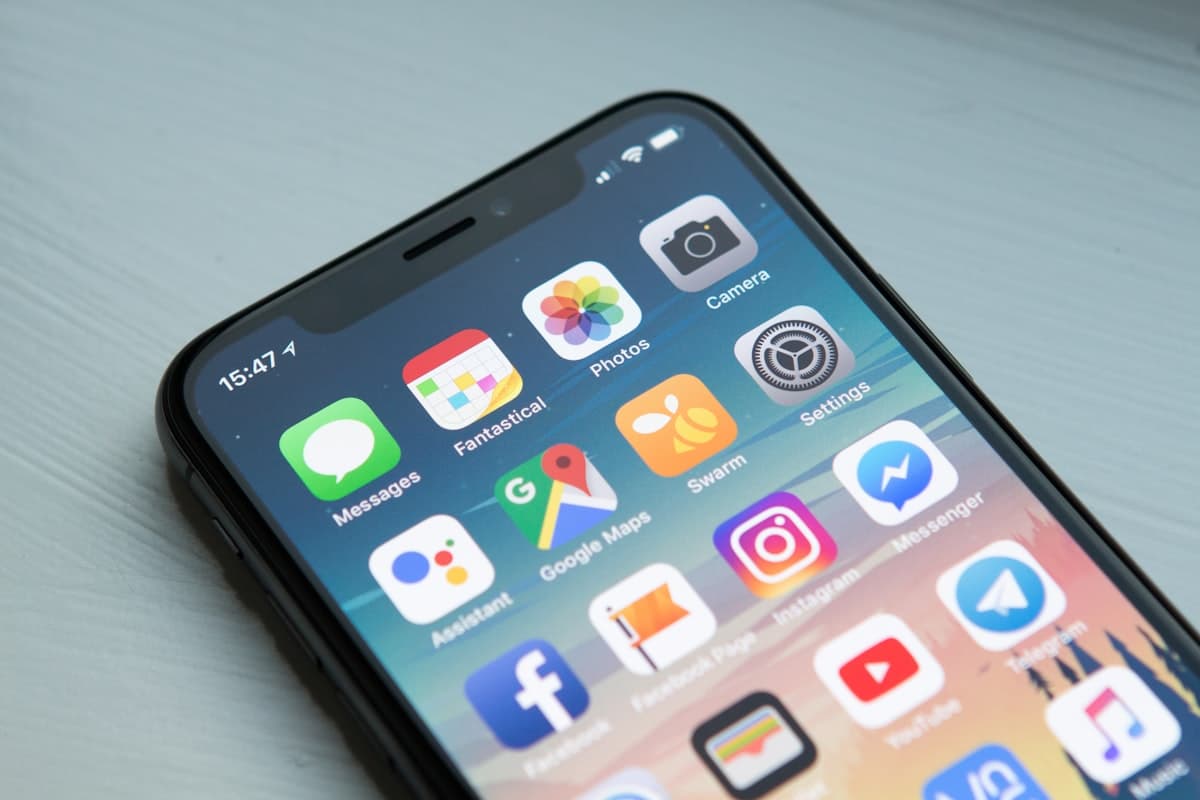
TrackNexus runs natively on both iOS and Android, built specifically for mobile performance rather than wrapped as a mobile website. The app launches in under 2 seconds, uses minimal battery, and occupies less than 45MB of storage. Employees clock in with a single tap on their home screen widget without even opening the full app. The interface is designed for one-handed use with large touch targets that work with gloves on construction sites or in warehouse environments. Push notifications remind employees to clock in when they arrive at a job site and to clock out when they leave.

Offline Mode with Automatic Sync
Field workers often operate in areas with poor or no cellular signal, such as basements, rural sites, or underground facilities. TrackNexus stores all time entries, GPS stamps, and activity data locally on the device when offline. The moment connectivity returns, whether WiFi or cellular, everything syncs automatically in the background without any employee action. The offline buffer holds up to 30 days of data, so even extended assignments in remote locations are fully covered. Managers see a sync status indicator for each field worker so they know whose data is current and whose is pending upload.
GPS Location Stamps on Every Entry
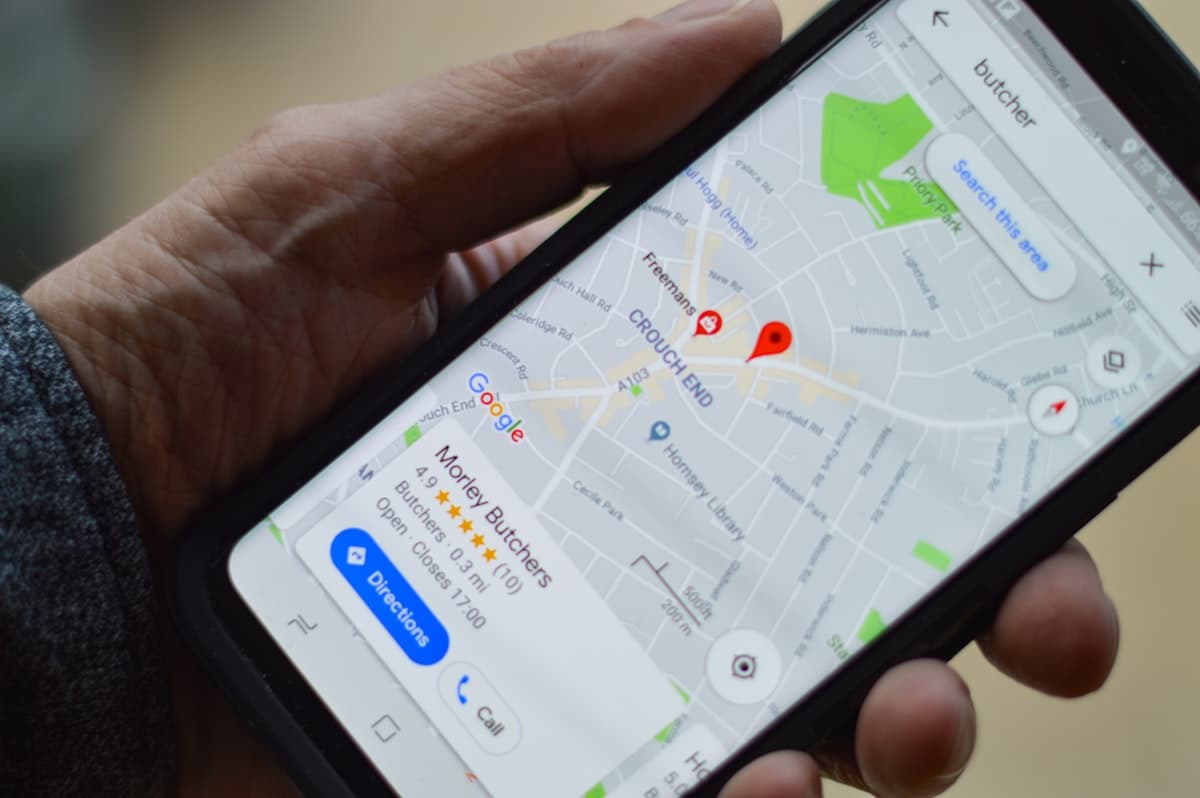
Every clock-in, clock-out, and break entry is tagged with GPS coordinates and accuracy radius. Managers see a map view showing where each employee was when they logged their time, eliminating disputes about whether someone was actually at the job site. Geofence boundaries can be set around work locations so the system flags entries made from unexpected locations. For employees who travel between sites, the route history shows their path throughout the day with timestamps at each stop. GPS data is stored securely and retention periods are configurable to comply with privacy regulations.

Field Worker Friendly Features
Mobile time tracking for desk workers is simple, but field workers have unique challenges that generic apps ignore. TrackNexus includes job code selection so employees can assign time to specific work orders or service tickets from a dropdown. Photo attachments let technicians document completed work alongside their time entry. Mileage logging calculates distance between sites automatically. The daily summary shows total hours, overtime status, and remaining drive time before DOT limits apply. Supervisors can view their entire crew's status on a single mobile dashboard and approve timesheets on the go without logging into a desktop.
Why Field Teams Choose TrackNexus Mobile
From offline mode to GPS verification, time tracking that works where your team works
One-Tap Clock In/Out
Home screen widget lets employees clock in with a single tap. No app navigation needed. Works with gloves and in bright sunlight on outdoor job sites.
GPS Verified Entries
Every time entry includes GPS coordinates. Geofence alerts flag clock-ins from unexpected locations. Map view shows team positions in real time.
Works Without Internet
Full offline functionality stores 30 days of data locally. Automatic background sync when connectivity returns. No employee action required.
Minimal Battery Impact
Optimized GPS and background processing use less than 3% of daily battery. The app runs all day without draining the employee's phone.
Instant Data Sync
Time entries appear on the manager dashboard within seconds of submission. Real-time crew status shows who is clocked in, on break, or traveling between sites.
Biometric App Security
Face ID, Touch ID, and PIN protection prevent unauthorized access to time tracking data. Employee privacy controls let them disable GPS outside work hours.
< 2sec
App Launch Time
30 days
Offline Data Buffer
3%
Daily Battery Usage
45MB
App Storage Size
What Makes Mobile Time Tracking Different
Desktop time tracking has an easy job. The machine is powered, connected, and the person is sitting at it. Mobile tracking has none of those guarantees, and every meaningful difference between mobile products comes down to how they handle the moments when those assumptions fail.
Three constraints shape everything:
- Connectivity is intermittent. Basements, lift shafts, rural sites, underground car parks. A tracker that requires a live connection to record a clock-in will lose shifts, and it will lose them disproportionately on the sites where verification matters most.
- Battery is a hard budget. An app that continuously polls GPS at high accuracy will drain a phone before lunch, and the rational response from any field worker is to close it. Battery discipline is a functional requirement, not a nicety.
- The device is often personal. Unlike a company laptop, a field worker's phone is usually their own, which changes both the privacy conversation and the legal position substantially.
Track Nexus records clock events and location stamps to local storage first and reconciles when connectivity returns, so a shift in a basement is captured rather than lost. Location is sampled at clock events and geofence boundaries rather than continuously, which is what makes all-day battery use practical.
GPS Verification and What It Genuinely Proves
A GPS stamp on a clock-in proves the device was at a coordinate at a time. It does not prove the person was, and it does not prove they worked. That is not a weakness so much as a boundary worth being honest about, because it determines what disputes the data can actually settle.
What GPS-verified attendance reliably prevents:
- Clock-ins from home for a shift that should have started on site — by far the most common source of payroll leakage in field operations
- Retrospective time entry that quietly rounds a 09:20 arrival to 09:00 across a whole crew
- Site attribution errors where hours land on the wrong job because the person selected the wrong project from a list
What it does not prevent is a colleague clocking in on someone else's phone. If buddy punching is the actual problem, GPS alone will not solve it — the fix is identity verification at the clock event, which is what facial recognition attendance provides. GPS answers *where*; face verification answers *who*. Deployed together they close the loop, and deployed separately each leaves an obvious gap.
For automated site boundaries rather than raw coordinates, see geofencing time tracking, and geolocation tracking for the reporting view.
Offline Mode: The Feature That Decides Whether the Data Is Trustworthy
Offline capability is listed as a bullet point by nearly every mobile tracker and implemented properly by considerably fewer. The distinction matters more than any other feature on the comparison grid, because a tracker that silently drops offline shifts produces a dataset that is wrong in a way nobody notices until payroll is queried.
The questions worth asking in an evaluation:
- Does the app queue events locally, or does it fail the action? A clock-in that shows an error and does nothing will be worked around, usually by writing the time on paper and entering it later.
- How long can it hold events? A full shift is the minimum. A multi-day remote deployment is not unusual in construction and utilities.
- Does location get captured offline? GPS itself does not need a data connection. Trackers that tie the location stamp to the upload rather than the event lose it entirely.
- What happens on conflict? If a supervisor edits a timesheet while a queued offline event is still pending, the reconciliation rule needs to be explicit and auditable rather than last-write-wins.
Track Nexus queues clock events, location stamps and task selections locally with a timestamp taken at the moment of the event rather than at upload, so a reconciled shift reflects when the work happened rather than when signal returned.
Privacy on Personal Devices
Location tracking on an employee's own phone is the most sensitive configuration in workforce software, and it is where deployments most often generate genuine grievances rather than grumbling.
The defensible configuration is narrow and worth holding to:
- Track only between clock-in and clock-out. Continuous location on a personal device outside working hours is indefensible in most jurisdictions and corrosive everywhere.
- Sample at events, not continuously. Clock events and geofence crossings answer every legitimate operational question. A breadcrumb trail of someone's entire day answers none of them and creates a substantial retention liability.
- Show the tracking state unambiguously in the app. People accept monitoring they can see. Ambiguity is what produces the assumption that they are being followed at the weekend.
- Provide a company-device alternative. Anyone who declines to install work software on a personal phone should have a route that does not disadvantage them.
- Set a short retention period for location detail. Aggregate attendance needs to persist for payroll and statutory record-keeping; individual coordinates do not.
Notice and consent duties differ by market — New South Wales requires 14 days' written notice before surveillance begins, India's DPDP Act imposes consent and purpose-limitation obligations, and Australia's Privacy Act treats location as personal information. Configure to the strictest regime you operate under; our guide to employee monitoring laws by country covers the detail. For office-based teams, desktop activity monitoring is the better-matched tool.
FAQ
Frequently Asked Questions
Ready to track time from anywhere?
Give your field teams a time tracking app that works with no signal and minimal battery. Start your free trial today.