Loading...
Geofencing
Geofence-Based Time Tracking
Draw GPS boundaries around job sites and let time entries start automatically when your crew arrives. No manual clock-in, no disputed timesheets, and proof of service delivery for every client invoice.
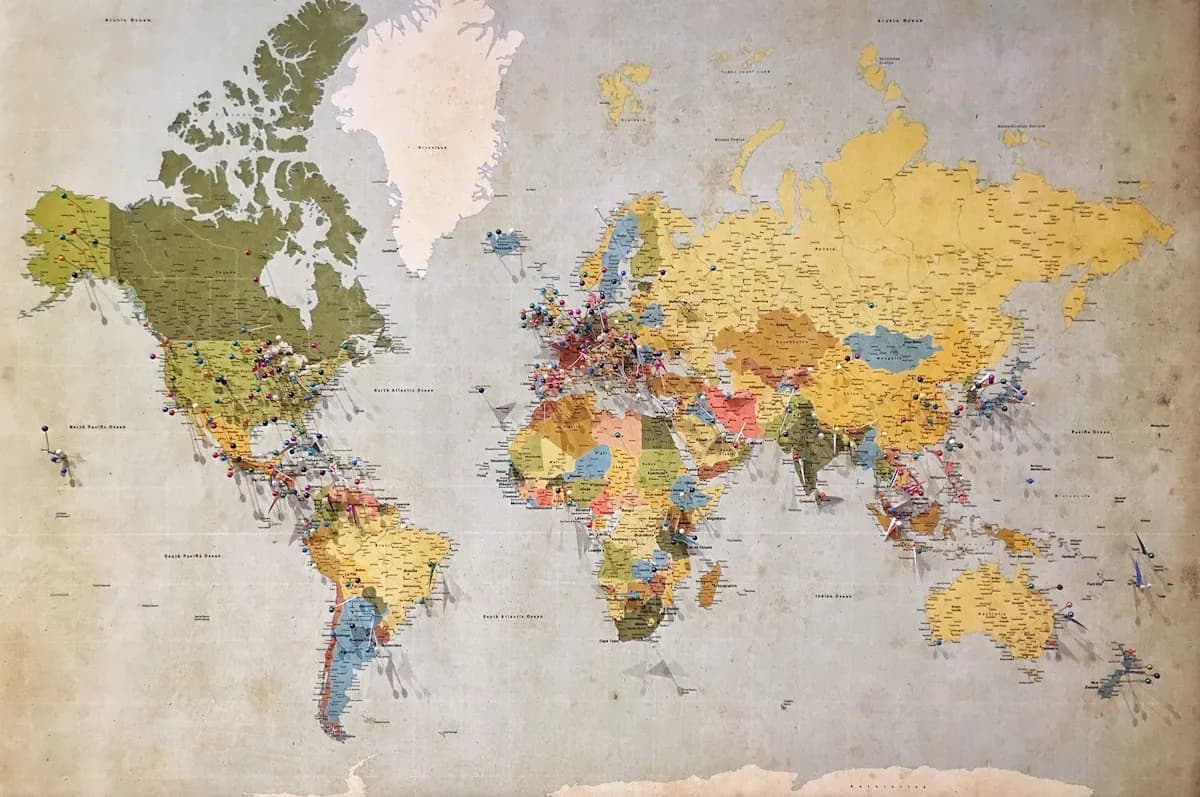
GPS Boundary Creation
Draw geofences around job sites, offices, warehouses, or client locations directly on the map interface. Set circular boundaries with a custom radius from 50 meters to 5 kilometers, or draw polygon shapes for irregularly shaped sites like construction zones or campus facilities. Each geofence gets a name, category, and set of rules: auto-clock-in when entering, auto-clock-out when leaving, or simply log the visit without triggering time entries. Companies managing 20+ job sites create all their boundaries in under an hour using the batch import tool with GPS coordinates from a spreadsheet.
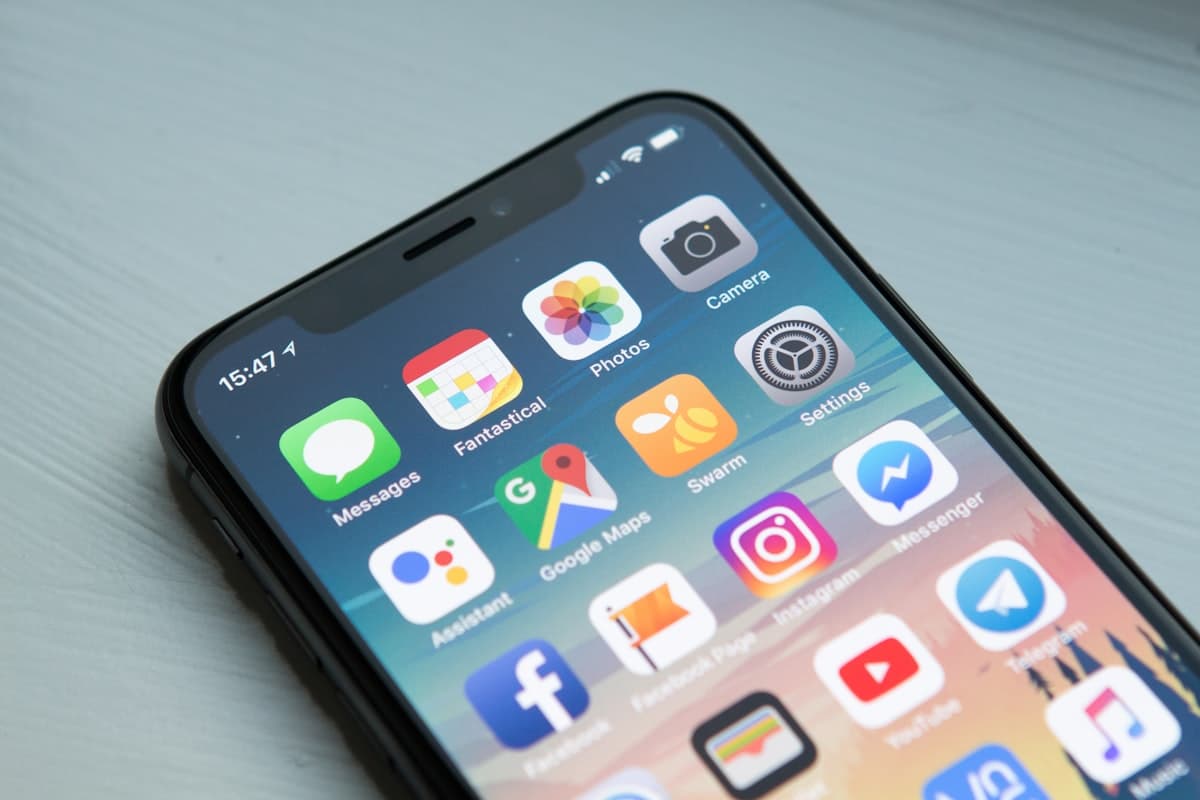
Automatic Clock-In at Job Sites
When a field worker's phone detects entry into a geofenced zone, TrackNexus automatically starts a time entry tagged with that location. No manual punch, no forgetting to clock in after parking the truck. The system uses a combination of GPS and Wi-Fi positioning for accuracy within 10 meters, which prevents false triggers from passing traffic on nearby roads. When the worker leaves the zone, the time entry closes automatically. One plumbing contractor saw a 34% reduction in disputed timesheets after implementing geofence-based clock-in because arrival and departure times were indisputable.

Field Crew Scheduling and Dispatch
See all your field crews on a live map with their current locations, active geofences, and job status. Dispatchers assign jobs by dragging tasks to the nearest available worker, and the app sends turn-by-turn navigation to the job site. The scheduling view shows travel time estimates between sites so dispatchers can build efficient daily routes. When a job runs longer than estimated, the system automatically notifies the next client in the queue and suggests schedule adjustments. Field service companies using dispatch integration complete 18% more jobs per day per crew.

Compliance and Client Billing Proof
Every geofence entry and exit generates a timestamped, GPS-verified log that serves as proof of service delivery. Attach these logs to client invoices to show exactly when your crew arrived and departed. For government contracts requiring certified time-on-site records, TrackNexus provides signed PDF reports with GPS coordinates and map snapshots. The compliance engine flags entries where an employee clocked time for a site but GPS data shows they were elsewhere, catching discrepancies before they become billing disputes or audit findings.
Why Field Service Teams Choose TrackNexus Geofencing
Automatic clock-in, GPS-verified timesheets, and dispatch optimization for mobile workforces
Custom Boundary Shapes
Draw circles, polygons, or use predefined radii to match any job site shape. Import coordinates in bulk for rapid setup across hundreds of locations.
Touchless Clock-In
Employees clock in and out automatically when entering or leaving a geofenced site. Zero manual input means zero forgotten punches and zero disputes.
10-Meter GPS Accuracy
Hybrid GPS and Wi-Fi positioning ensures accurate boundary detection. Prevent false triggers from nearby roads or adjacent buildings with fine-tuned sensitivity.
Works Offline
The mobile app caches geofence data locally so clock-in works even without cellular signal. Data syncs when connectivity returns with original timestamps.
Route Optimization
Dispatchers see travel time estimates between sites and assign jobs based on proximity. Field crews spend less time driving and more time working.
Proof of Service Delivery
GPS-verified arrival and departure logs attach to invoices. Resolve billing disputes with tamper-proof location evidence that clients and auditors trust.
34%
Fewer Timesheet Disputes
18%
More Jobs Per Day
10m
GPS Accuracy
< 1sec
Geofence Detection
FAQ
Frequently Asked Questions
Ready to automate field time tracking?
Set up geofences around your job sites and let time tracking happen automatically. Start your free 14-day trial.