Loading...
Productivity Analytics
Productivity Dashboard With Real Insights
Team performance scorecards, focus time analysis, and utilization tracking that turn raw activity data into decisions. Custom dashboards for every stakeholder, updated in real time.
Team Performance Scorecards
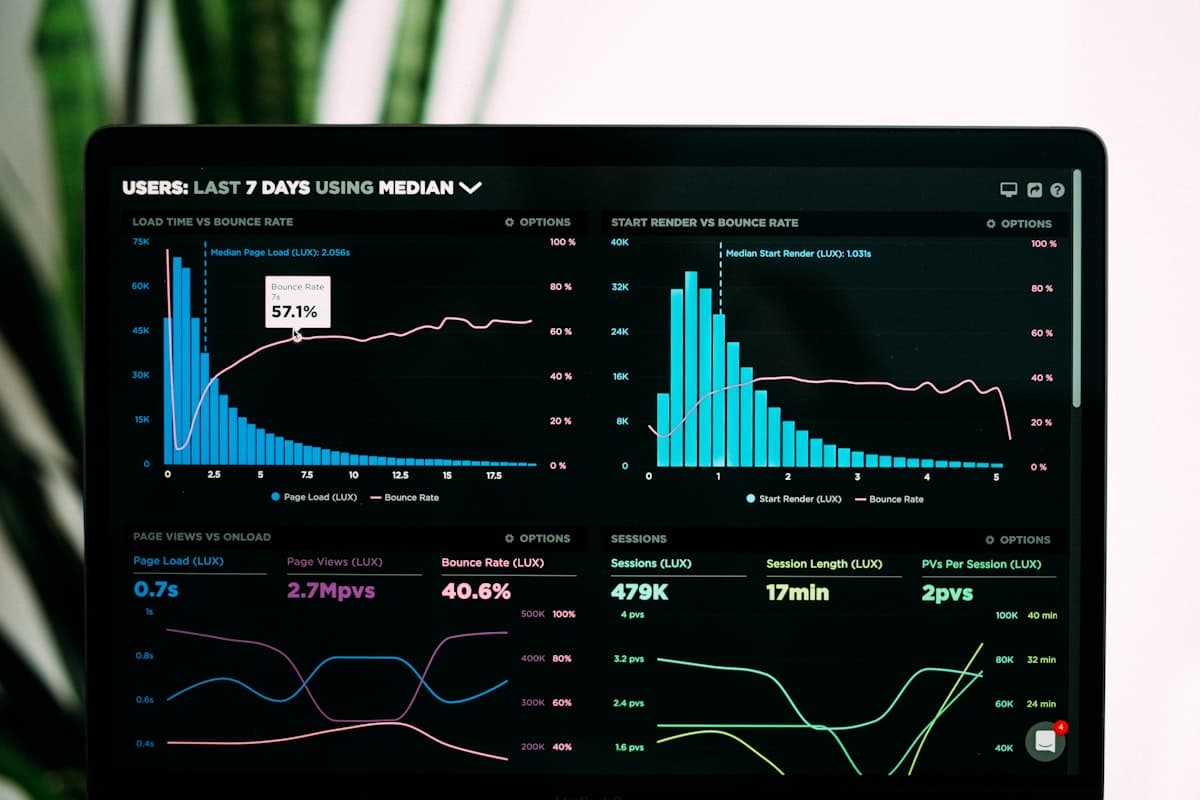
Every team gets a weekly scorecard that distills productivity into five key metrics: focus time percentage, task completion rate, meeting-to-work ratio, collaboration index, and utilization rate. Managers compare current week performance against the rolling 4-week average to spot trends early. Scorecards are generated automatically every Monday morning and delivered via email or Slack. Teams that adopted scorecards saw a 17% improvement in focus time within the first 8 weeks because the visibility alone motivated better time management without any punitive measures.
Focus Time Analysis
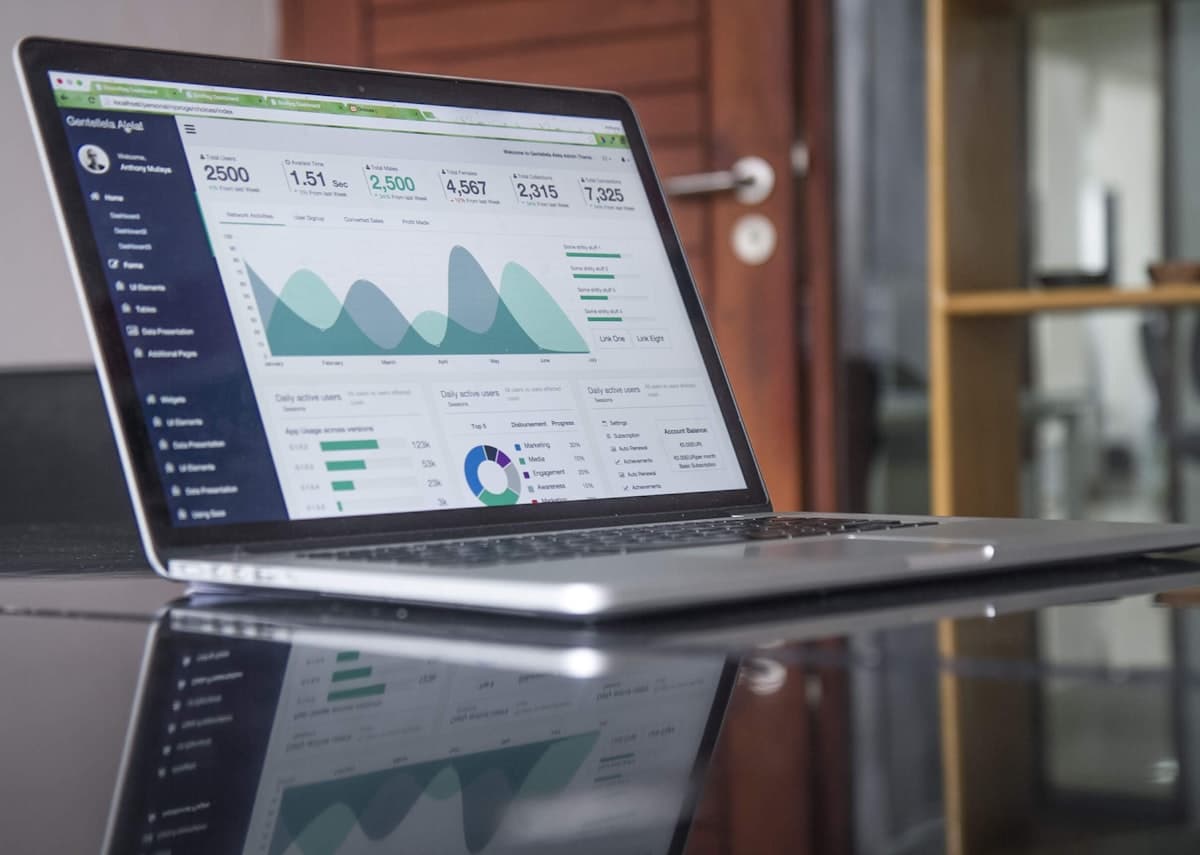
Deep work drives results, but most employees get less than 2 hours of uninterrupted focus time per day. TrackNexus measures focus blocks: stretches of 25+ minutes where an employee works on a single application or project without switching contexts. The dashboard visualizes focus distribution across the week, highlights interruption sources (Slack, email, meetings), and calculates the productivity cost of context switching. One engineering team discovered that moving all meetings to Tuesday and Thursday afternoons increased weekly focus hours from 11 to 19 per developer.
Utilization Rate Tracking
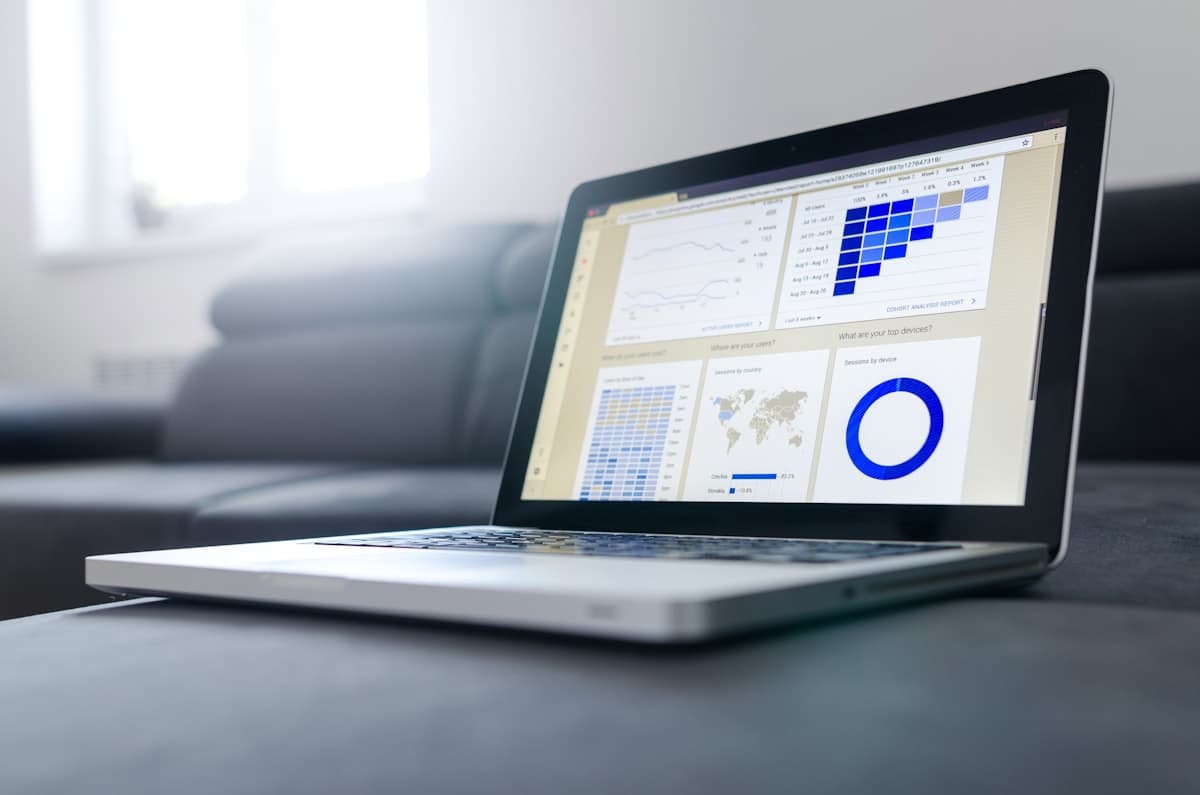
Know exactly how much of your team's capacity is being used productively. TrackNexus calculates utilization as productive hours divided by available hours, with configurable definitions for what counts as productive. Billable teams track client work versus internal work to optimize revenue per employee. The utilization heatmap shows patterns across days and weeks, revealing that many teams have consistently underutilized Friday afternoons or post-lunch slumps that scheduling adjustments could address. Target utilization rates are configurable by role, with alerts when someone consistently falls below or exceeds thresholds.

Custom Dashboard Builder
Every manager has different questions. The dashboard builder lets you create custom views by dragging widgets onto a canvas: time series charts, pie charts, leaderboards, comparison tables, and KPI cards. Save dashboards for different audiences: a C-suite view showing department-level utilization, a team lead view with individual breakdowns, and a project manager view tied to specific deliverables. Dashboards update in real time and can be scheduled for email delivery as PDF snapshots. Shared dashboards let entire teams see the same metrics without building separate reports.
Why Data-Driven Teams Choose TrackNexus Analytics
From focus time measurement to executive dashboards, productivity metrics that drive real improvement
Actionable Scorecards
Weekly performance scorecards delivered automatically. Five key metrics per team with trend comparisons against rolling averages, not just raw numbers.
Focus Time Optimization
Measure uninterrupted work blocks and identify top interruption sources. Teams using focus analysis increased deep work hours by up to 73%.
Utilization Heatmaps
Visual heatmaps reveal productive and underutilized time slots across your week. Make scheduling decisions based on actual capacity patterns.
Drag-and-Drop Dashboards
Build custom analytics views with widgets for any metric. Save multiple dashboards for different audiences from executives to team leads.
Multi-Level Drill Down
Start at the company level and drill into department, team, and individual metrics. Every chart is clickable, leading to deeper layers of insight.
Real-Time KPI Cards
Live-updating key performance indicators on your dashboard. See current-day utilization, active headcount, and focus scores without refreshing.
17%
Focus Time Improvement
73%
More Deep Work Hours
5min
Dashboard Setup Time
24/7
Real-Time Updates
FAQ
Frequently Asked Questions
Ready to measure what matters?
Turn activity data into productivity insights with customizable analytics dashboards. Start your free 14-day trial.