Remote Work Time Tracking: Essential Tools for Distributed Teams
Track Nexus Editorial Team
Workforce Productivity Experts
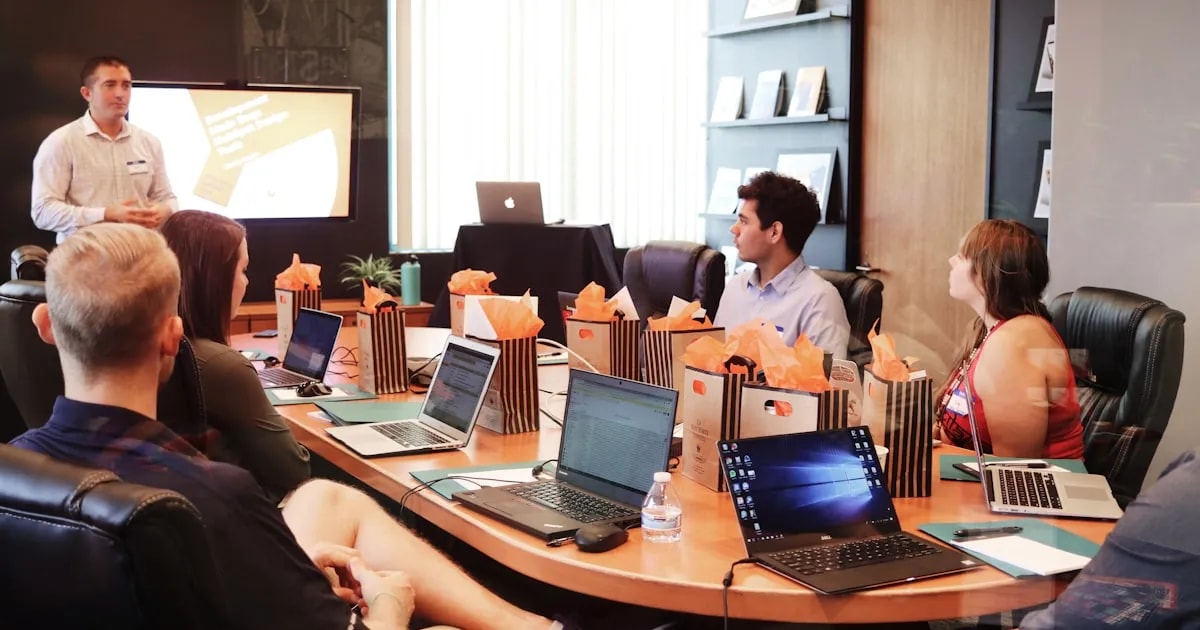
Remote work time tracking addresses a fundamental challenge: how do you maintain accountability and accurate time records when your team works from home, coffee shops, and co-working spaces across multiple time zones? The answer is not surveillance but smart tracking tools that capture work activity passively, sync across devices, and provide both managers and remote employees with transparent productivity data.
Challenges of Remote Work Time Tracking
Remote work has fundamentally changed the dynamics of time tracking and team management. Without the natural visibility of a shared office space, managers lose the informal cues—seeing someone at their desk, overhearing conversations, noticing body language—that traditionally signaled engagement and productivity. This visibility gap creates legitimate management challenges that purpose-built tools can solve.
Remote work introduces unique tracking challenges that traditional tools weren't designed to handle:
- Different time zones create scheduling complexity—a team spanning San Francisco, London, and Singapore has only a few overlapping hours, making synchronous communication expensive and requiring careful planning
- Varied work schedules demand flexibility—remote employees may work split schedules, early mornings, or late evenings to accommodate personal responsibilities. Rigid 9-to-5 tracking misses the reality of modern remote work
- Lack of physical presence removes natural accountability signals—managers can't walk by someone's desk to check in, creating anxiety on both sides about visibility and trust
- Balancing flexibility with accountability requires intentional design—too little tracking creates information vacuums; too much feels like surveillance. The right approach provides transparency without micromanagement
Modern time tracking tools like Track Nexus address these challenges with automatic tracking that captures work regardless of when it happens, activity monitoring that provides productivity insights without invasive surveillance, and transparent reporting that works seamlessly across locations and time zones. Organizations using remote-optimized tracking tools report 30% improvement in distributed team coordination and a 25% reduction in management overhead compared to manual approaches.
Best Practices for Remote Time Tracking
The most successful remote organizations have discovered that effective time tracking isn't about monitoring every minute—it's about creating shared understanding and aligned expectations between managers and team members.
Best practices for implementing remote time tracking effectively:
- Set clear expectations from day one—define what 'a productive day' looks like for each role. For developers, it might be 5-6 hours of focused coding time. For account managers, it might be client communication, internal coordination, and strategic planning
- Communicate transparently about what's tracked and why—employees should know exactly what data is collected (application usage, active time, project allocation) and what's not (keystrokes, screenshots, personal browsing). Transparency builds trust
- Focus on outcomes rather than activity metrics—a developer who solves a complex problem in 4 focused hours delivers more value than one who logs 10 hours of unfocused activity. Measure output quality alongside time investment
- Choose tools that work seamlessly across devices and locations—remote workers use laptops, desktops, tablets, and mobile devices across home offices, co-working spaces, and cafes. Tracking should follow them automatically without manual intervention
- Respect different work styles and schedules—some remote workers are most productive at 6 AM, others at 10 PM. Track total productive hours rather than enforcing specific schedules when the work doesn't require it
- Use tracking data for coaching, not punishment—when data reveals a team member struggling with focus or time management, treat it as a coaching opportunity rather than a performance issue

Essential Features for Remote Teams
Remote teams have specific technical requirements that general-purpose time tracking tools often fail to meet. The right tool should feel invisible to employees while providing comprehensive visibility to managers.
Essential features that remote teams need in their time tracking solution:
- Automatic time capture across all devices—Track Nexus runs seamlessly on Windows, Mac, and Linux, automatically capturing work activity without requiring employees to remember to start and stop timers
- Real-time activity visibility for managers—live dashboards show which team members are currently active, what they're working on (project-level, not screen-level), and how the team's capacity is distributed across priorities
- Timezone-aware reporting and analytics—reports automatically adjust for each team member's local timezone, and managers can view team data in any timezone. This prevents the confusion of comparing work hours across different parts of the world
- Mobile app access for on-the-go tracking—remote workers aren't always at their primary workstation. Mobile access ensures time is captured during client calls, site visits, and travel
- Offline tracking capability—internet connectivity isn't always reliable in remote environments. Track Nexus continues capturing time data offline and syncs automatically when connectivity returns
- Integration with communication tools (Slack, Teams, Zoom)—automatically detect and categorize time spent in communication platforms, meetings, and collaboration tools that form the backbone of remote work
- Privacy controls that employees manage themselves—remote workers should be able to pause tracking for personal breaks, exclude specific applications, and control what data is shared, building trust in the system
AI-Powered Remote Work Intelligence
Track Nexus applies AI to solve unique challenges of distributed teams:
- AI Timezone Optimization: Machine learning identifies optimal collaboration windows across global teams
- Smart Async Recommendations: AI suggests when to communicate synchronously vs. asynchronously
- Remote Engagement Scoring: AI detects early signs of disengagement through work pattern analysis
- Automated Status Updates: AI generates progress summaries from tracked activities
- Intelligent Meeting Scheduling: AI finds best meeting times based on productivity patterns and timezone overlap
- Predictive Workload Balancing: AI ensures equitable work distribution across distributed team members
Want to See It in Action?
Explore how Track Nexus's AI-powered features can transform your team's productivity with a live demo.
Use Cases & Applications
Discover how organizations use this solution to improve their operations
Fully Remote Companies
100% distributed companies use tracking to maintain visibility and accountability across global teams
Hybrid Organizations
Companies with mixed remote/office workers ensure consistent tracking regardless of location
Freelance Networks
Organizations working with distributed freelancers track hours and ensure project accountability
Frequently Asked Questions
Common questions about remote work time tracking
How do you track time across different time zones?
Can remote workers pause tracking during breaks?
Explore More Insights
Continue learning with these related articles

Middle East Labor Law Compliance: Time Tracking for UAE and Saudi Arabia
The Gulf Cooperation Council (GCC) countries, particularly the United Arab Emirates and Saudi Arabia, have undergone a dramatic transformation in labor law and workforce regulation over the past decade. The UAE's introduction of Federal Decree-Law No. 33 of 2021, Saudi Arabia's ongoing labor law reforms under Vision 2030, and the region-wide implementation of Wage Protection Systems (WPS) have created a compliance landscape that demands sophisticated, automated workforce management. For multinational companies operating in the region, the challenge is compounded by the need to manage a diverse workforce that often comprises 80-90% expatriate workers, each with specific visa and permit requirements. Local businesses face the parallel challenge of meeting nationalization quotas (Emiratisation in the UAE, Saudization/Nitaqat in Saudi Arabia) while maintaining operational efficiency. Non-compliance carries severe consequences: fines, business license restrictions, and even criminal liability for wage violations. Automated time tracking is no longer optional in this environment; it is an operational necessity that ensures accurate working hour records, correct overtime calculation, WPS-compliant payroll, and real-time visibility into nationalization metrics. Try Track Nexus to see how organizations across the GCC region are achieving full labor law compliance while optimizing their workforce operations.

Automated Time Tracking Software: Capture Hours Without Manual Entry
Manual timesheet entry costs the average knowledge worker 4.3 hours per month, according to a 2025 Atlassian productivity survey. Automated time tracking software eliminates this overhead by running silently in the background, detecting active projects from application context, and generating pre-filled timesheets that employees simply review and submit. The result: 95%+ accuracy with near-zero employee effort.
Productivity Tracker: How They Work, What They Measure, and How to Choose One
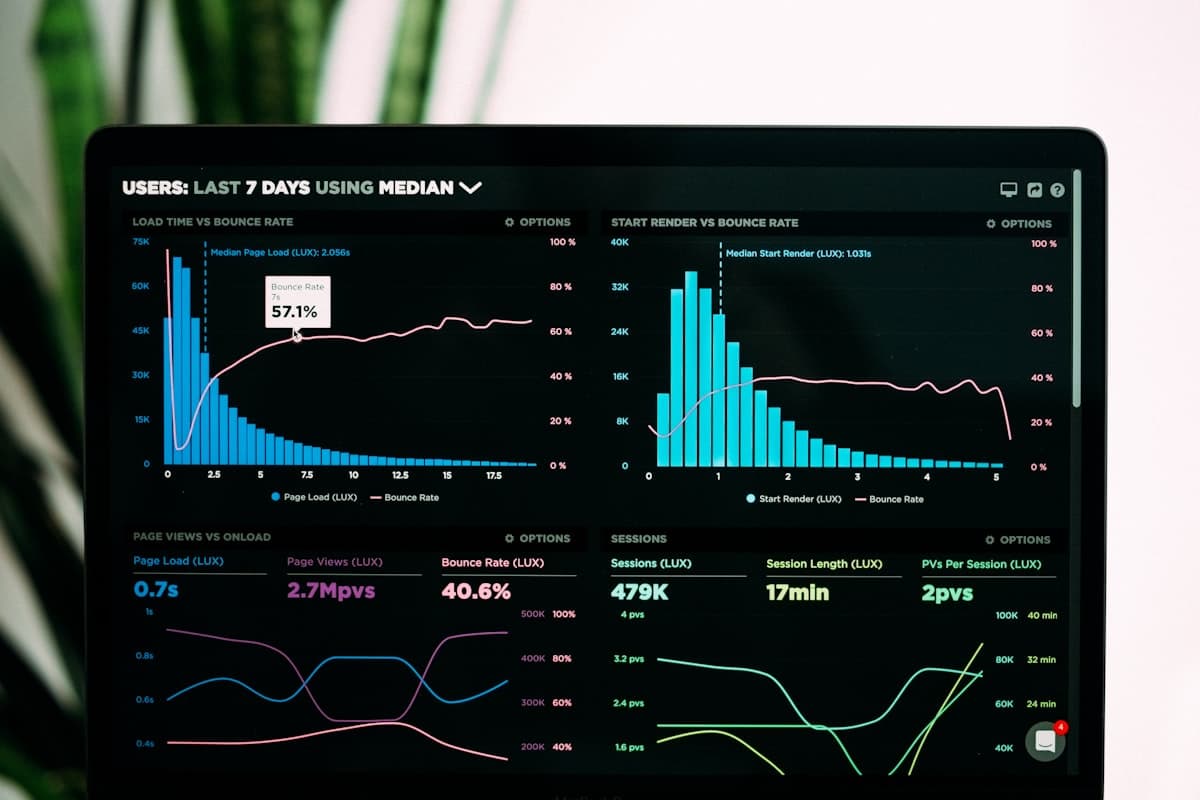
A productivity tracker is software that records how work time is actually spent — across applications, documents, projects and locations — and turns that record into something a manager can act on. That is the easy part to explain. The hard part, and the reason so many rollouts fail, is that 'productivity' is not a single number the software can read off a sensor. It is an inference built on top of raw activity data, and the quality of that inference depends entirely on what the tool measures and what you ask it to mean. This guide covers what these tools genuinely capture, the arithmetic behind the dashboards, where the measurements break down, and how to evaluate a tracker for a real team. It is written for the person who has to choose one and then defend that choice to both a finance director and the people being tracked.
Ready to Transform Your Productivity?
Join thousands of teams using Track Nexus to optimize their workforce productivity. Schedule a personalized demo today.